If you've been messing around in Genshin Impact's Miliastra Wonderland editor, you've probably run into the same question a lot of other creators have: how to make npcs in miliastra wonderland maker genshin impact. The honest answer is a bit less exciting than people hope. You can't currently build "real" NPCs in the classic sense—so no fully featured Kaeya-style character with built-in quest logic, unique AI, and proper dialogue trees straight out of the box. What you can do, though, is fake it surprisingly well with Manekins, complex creations, and node-based interaction setups. This guide breaks down what actually works in 2026, where the hard limits are, and how you can still create convincing NPC stand-ins for your custom stages.
Understanding the Miliastra NPC Confusion in 2026
A lot of the confusion starts the moment players open the Miliastra Wonderland editor for the first time. Since the mode is tied so closely to the world of Teyvat, it's easy to assume you can just drop characters like Zhongli, Nahida, or Kaeya into a stage and use them as interactive NPCs. Visually, that assumption makes sense. The editor looks polished, and the mannequin-style systems give off the impression that character placement should be simple.
But Miliastra doesn't really work that way. Since its launch in October 2025 as a permanent UGC mode, the system has leaned heavily into creator-built logic rather than prepackaged character behavior. You get mannequin customization, scripting tools for complex creations, and even combat-ready entities, but you do not get direct access to story characters as fully scripted NPCs with autonomous quest-giver behavior or proper branching conversations.
Part of the issue is that players naturally compare Miliastra to the Serenitea Pot. In housing, you can place owned characters as static companions, interact with them, and gain companionship-related rewards over time. So people expect something similar here. Miliastra, however, is built around node graph logic, which means you create behavior manually from the ground up instead of borrowing existing AI from the main game.
That design has a clear upside: way more flexibility. The downside is obvious too. If you want an NPC, you're not really "placing" one—you’re building an illusion.
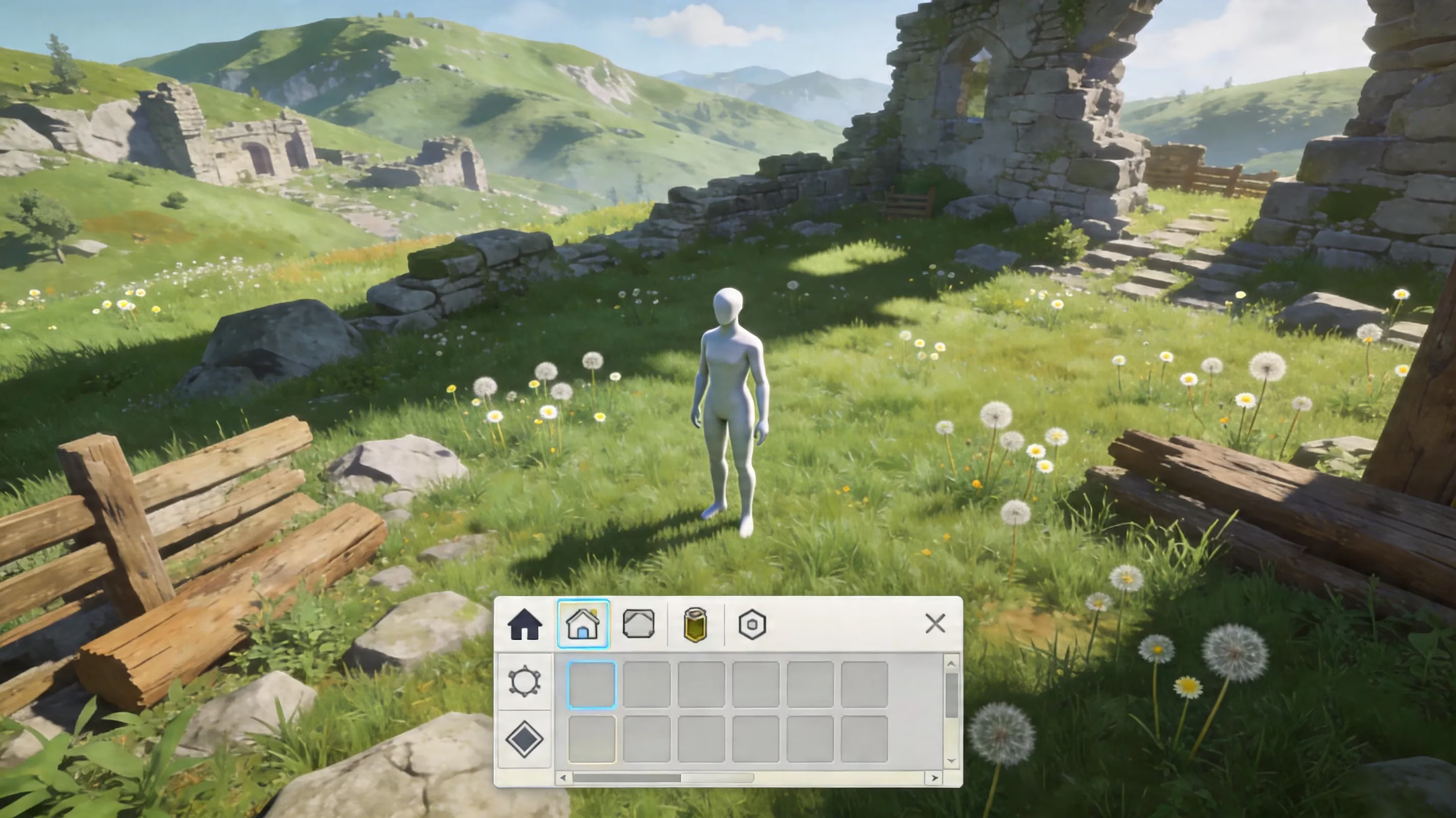
How to Make NPCs in Miliastra Wonderland Maker Genshin Impact
Right now, Miliastra Wonderland does not let you import playable characters as full NPCs with their original kits, voice lines, or built-in interaction systems. So if your plan was to place Kaeya in a custom town square and have him hand out commissions while joking with the player, you’ll need to scale that expectation back a bit.
What the editor does offer are three practical substitutes:
-
Manekin-based NPC setups
-
Complex creation actors
-
Prop-based visual stand-ins
These are the real tools creators use when trying to answer how to make npcs in miliastra wonderland maker genshin impact.
Manekins are the easiest starting point. They unlock once you enter Miliastra Wonderland, and you can customize them with cosmetic plans across different rarity tiers, from Exceptional up to Legendary. They won’t perfectly recreate a specific Genshin character—especially not down to facial detail—but with the right hairstyle, outfit pieces, and color choices, you can get close enough to sell the idea. The big catch is that Manekins sync to the Traveler’s active element. So if you need a fixed Cryo or Pyro identity, that limitation can break the fantasy fast.
Complex creations are where things get much more interesting. These let you build a fake NPC actor from scratch using the node graph system. You can give it patrol routes, idle loops, proximity checks, triggered text, and even simple combat behavior if needed. That flexibility is huge. The tradeoff is time. Every action has to be wired manually, and there’s no shortcut that imports existing character AI or dialogue from the main game.
Then there are prop-based tricks. These are less interactive, but honestly, they can work really well in the right kind of stage. A carefully placed silhouette, a blocked-off viewing angle, or a strong thumbnail can make players believe a character is present even if it’s just a static visual setup. It’s not ideal for gameplay-heavy maps, but for story scenes or atmospheric builds, it gets the job done.
So if you're hoping for a one-click "make NPC" feature, that's not here. If you're willing to fake it with smart design, though, Miliastra gives you enough tools to build something convincing.
Miliastra Wonderland NPC Alternatives Explained
Manekin-Based NPC Setup Workflow
If you want the simplest route to a pseudo-NPC, start with a Manekin. This is usually the best choice for greeters, basic quest-givers, or static characters who only need to stand in place and trigger text.
The setup usually comes down to three parts:
-
Customize the appearance
-
Place the Manekin in the stage
-
Attach interaction logic through nodes
First, head into the Manekin customization menu and build a look that roughly matches the role you want. You’re not going to make a perfect copy of a specific character, but you can get surprisingly far with the right face shape, hairstyle, outfit pieces, and color palette. Higher-rarity cosmetics help a lot here, especially the ones unlocked through Odes, the Miliastra Pass, or the shop.
Once the visual side is done, place the Manekin where players are naturally likely to stop—near entrances, objective hubs, puzzle starts, or reward areas. Positioning matters more than people think. Even a basic static actor feels more intentional when it’s placed where players already expect an interaction.
After that comes the actual logic. You’ll need a proximity trigger that detects when the player enters a set radius, then connect that to a text display node. If you want simple dialogue choices, you can branch from there using prompt nodes. This works well for short interactions, but there are limitations you need to be aware of:
-
Text systems still don’t support deeply nested dialogue trees very well
-
Session-persistent memory is limited
-
Repeatable conversations need explicit reset logic
-
Manekins don’t independently emote or gesture
-
Their elemental identity follows the Traveler’s current element
That last point is especially important. If your NPC is supposed to feel like a fixed character archetype, the Traveler sync can make the whole setup feel off.
Complex Creation NPC Setup Workflow
If Manekins are the easy option, complex creations are the serious creator option. They take more work, but they also give you way more control over how your fake NPC behaves.
You start by placing a base actor entity in the stage. Think of this as the body or shell of your NPC. Depending on what assets you have access to, you might use an object template, an enemy-like base, or another provided model and then disguise it through skinning, mesh choices, or texture work.
From there, open the node graph editor and define the actor’s default behavior. This is where the fake NPC starts to feel alive. Typical building blocks include:
-
Idle animation loops
-
Walk path nodes
-
Waypoint patrols
-
Proximity detection
-
Triggered text responses
-
Conditional branches tied to stage variables
A market NPC, for example, might patrol between two stalls, stop for a few seconds at each point, then return to a default idle state until the player gets close. Once the player enters range, the actor could turn, display a greeting, and unlock a new branch of dialogue if a prior objective has already been completed.
That kind of setup is possible—but only if you script it yourself. That’s the part many players underestimate. Miliastra gives you the tools, not the finished behavior.
You can also layer in combat logic if needed. The editor supports attack ranges, target checks, and cooldown timing. For actual NPC-style behavior, though, you’ll often want to disable combat entirely and tune collision so the actor doesn’t accidentally block players or aggro when it shouldn’t. If the goal is a peaceful townsperson or quest guide, combat settings usually just create extra problems.
Prop-Based Fake NPCs for Visual Storytelling
Sometimes the best NPC is the one players never get close enough to inspect.
Prop-based methods are perfect when you only need the appearance of a character in the scene rather than real interaction. If you're building a story stage, a cutscene-like sequence, or a tightly controlled exploration route, this can be the cleanest solution.
A few common tricks work especially well:
-
Use humanoid silhouettes at medium or long distance
-
Hide details behind railings, counters, or decorative barriers
-
Restrict camera angles so players can’t examine the figure closely
-
Limit movement paths to preserve the illusion
-
Build a strong thumbnail that sells the scene before players even load in
For example, if you want a figure standing at a winery gate or watching over a cathedral interior, a static prop can absolutely do the job from the right angle. In screenshots and previews, it often reads better than a poorly scripted fake NPC.
The downside is obvious. Once players get too close—or if the stage encourages free exploration—the trick falls apart. So this method works best in narrative stages, guided experiences, and visual showcases. In open multiplayer maps or puzzle-heavy stages, it’s usually not enough on its own.
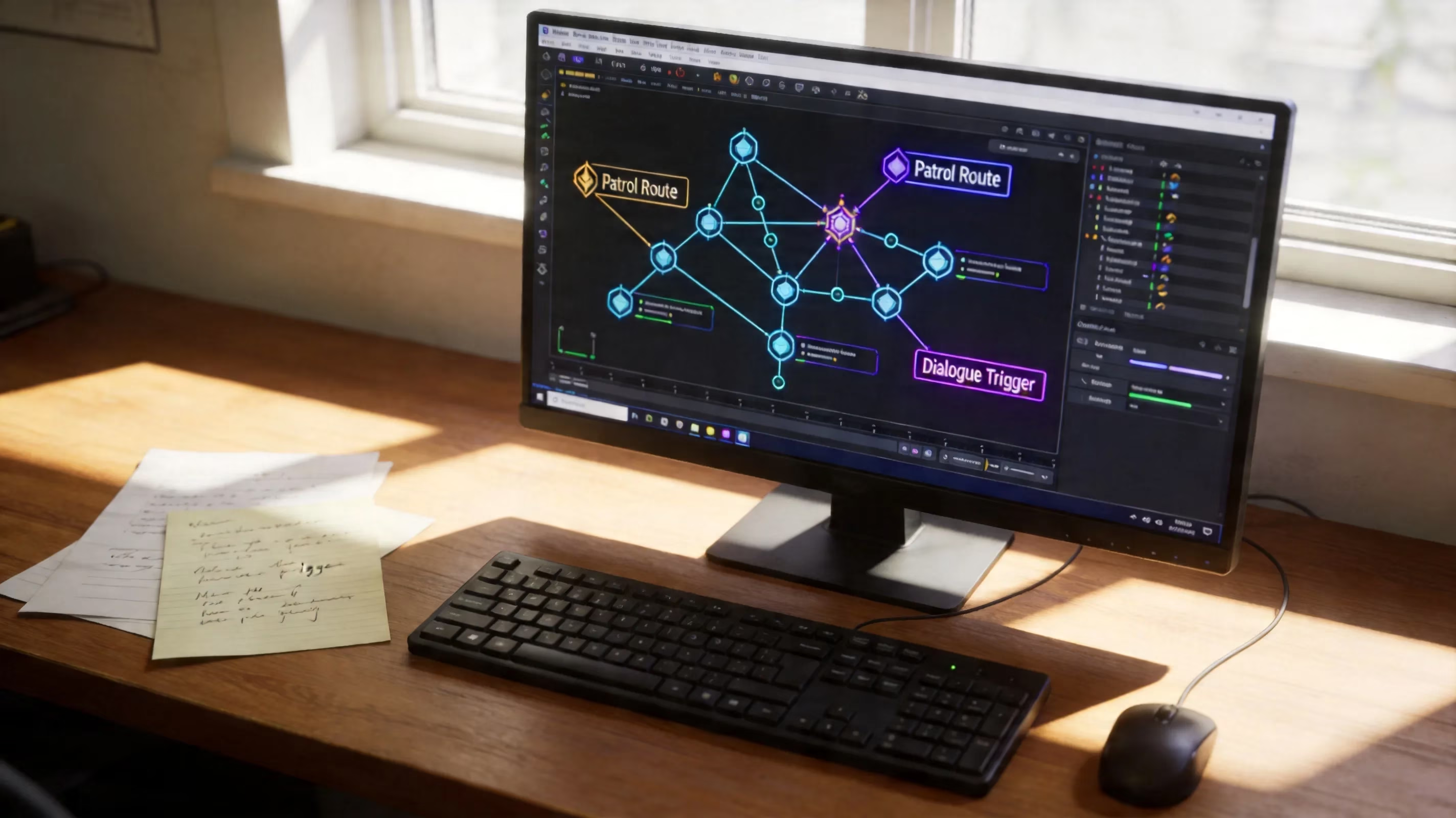
Building an NPC in Miliastra Wonderland Step by Step
Once you understand the basic tools, the actual workflow for building an NPC substitute is pretty consistent. Whether you’re working with a Manekin or a complex creation, the process follows the same general structure.
1. Place the actor base
Start by deciding exactly what role the NPC is supposed to serve. Is it a greeter? A quest-giver? A lore character? A combat trainer? You want that answer locked in early, because it affects every node you add afterward.
Then place the actor in the stage editor and fine-tune the position carefully. Make sure it isn’t clipping into terrain, floating awkwardly, or standing in a spot players are likely to ignore. A believable NPC starts with believable placement.
2. Assign animation states
Next, choose the idle behavior. Miliastra gives you preset animation options like standing, sitting, patrolling, or combat-ready stances. Pick one that matches the role.
A few examples:
-
A merchant works well with a calm idle or stationary stance
-
A guard looks better with alert posture cycles
-
A wandering villager benefits from short patrol loops
-
A lore NPC can stay seated or fixed in place to reduce scripting load
Once selected, connect those animations to the default state node so they loop automatically whenever nothing else is happening.
3. Add the interaction trigger
This is the part that makes the actor feel like an NPC instead of just scenery. Create a proximity detection branch and set the trigger radius. In most cases, 2 to 5 in-game meters feels about right. Too small, and players miss it. Too large, and the interaction fires before they even realize what happened.
Connect that trigger to a text display node. If you want the interaction to happen only once, add a condition that checks a stage variable before allowing the dialogue to fire. If it should repeat, you can skip that check or add a reset condition later in the chain.
4. Connect node graph logic
Finally, wire the rest of the behavior together. This is where you decide what happens after the dialogue appears.
Possible follow-up actions include:
-
Spawning enemies
-
Opening doors
-
Unlocking objectives
-
Updating stage variables
-
Triggering cutscene-like camera moments
-
Enabling a second dialogue branch later
At this point, the NPC substitute is functionally complete. The rest is polish and testing.
Miliastra Wonderland NPC Dialogue and Behavior Systems
Dialogue Interaction Flow Architecture
Miliastra’s text system in 2026 is good enough for basic and mid-level NPC interactions, even if it still has some clear limits. You can create multi-line dialogue, prompt-based responses, and unlock conditions tied to stage progress.
A standard flow usually looks like this:
| Step | Function |
|---|---|
| Prompt node | Displays the NPC's opening line |
| Response branch | Lets the player choose a reply |
| Condition check | Verifies if requirements are met |
| Text sequence | Shows follow-up dialogue |
| Event output | Triggers stage actions after dialogue |
So, for example, a merchant-style NPC might open with a greeting and offer three options:
-
Tell me about this place
-
Show me your wares
-
I'm just passing through
Each response can branch into a different text chain or trigger a separate stage action. That part works well. Where things get messy is when you try to build very deep narrative structures. The system handles linear or lightly branching dialogue fine, but once you start tracking lots of conditions, previous choices, or long-term player history across sessions, it gets clunky fast.
Unlock requirements are handled through variables and comparison nodes. You can gate dialogue behind things like:
-
Enemy defeat count
-
Hidden item collection
-
Puzzle completion
-
Trigger activation order
-
Stage progression milestones
One-time versus repeatable dialogue is also manageable, but you need to be deliberate. A one-time interaction should set a persistent flag after the first trigger. Repeatable dialogue, on the other hand, needs either a cooldown reset or a stage reload condition if you want players to see it again.
Movement and AI Logic Configuration
For creators using complex creations, movement logic is what really sells the NPC illusion. A static actor can work, sure, but even a simple patrol route makes the stage feel much more alive.
Patrol behavior is built through waypoint nodes connected in sequence. Each point can include a wait timer, so your actor pauses naturally before moving on. You can set these routes to:
-
Loop continuously
-
Reverse at endpoints
-
Stop after one cycle
-
Despawn after reaching a final node
That gives you a decent amount of flexibility for market walkers, guards, escorts, or ambient background actors.
Proximity detection can also do more than just trigger dialogue. You can layer it. For instance, an outer detection radius might make the NPC turn toward the player or switch into an alert idle, while an inner radius starts the actual conversation. That kind of two-stage response feels much smoother than a single instant trigger.
Combat logic is available too, but for most fake NPC setups, you’ll want to be careful with it. The editor lets you define attack ranges, target priorities, and skill timing, but unless your NPC is meant to fight, it’s usually better to disable combat entirely. Collision tuning matters just as much. Friendly or non-hostile NPCs often work best with softer collision settings so they don’t become annoying roadblocks, while defensive actors in battle stages may need solid collision to hold a position properly.
The main thing is consistency. Test approach angles, player heights, and different movement paths so the NPC behaves the same way no matter how someone enters the interaction zone.
Common NPC Maker Problems in Genshin Impact Miliastra Wonderland
Missing Text Feature and Quiz Requirement
One of the most common issues people hit when searching how to make npcs in miliastra wonderland maker genshin impact is surprisingly basic: they can place actors, but they can’t add text.
Usually, the reason is that the text system is still locked. To unlock it, you need to pass the Creator Portal quiz, which covers editor basics and node graph fundamentals. A lot of new creators rush through setup, skip parts of the official tutorials, and then get stuck wondering why dialogue nodes aren’t available.
If you want access to features like:
-
Text display systems
-
Advanced logic nodes
-
Multiplayer hosting tools
...you need that quiz cleared first.
There’s another problem layered on top of this too: tutorials go out of date fast. Node names, menu locations, and interface labels have changed multiple times across updates. A guide made for Version 6.1 might tell you to look for a node called "Dialogue Trigger," while the current editor has renamed or relocated it entirely.
When that happens, your best bet is usually community-maintained info. YouTube comments under current tutorials and Miliastra-focused Discord groups tend to be way more useful than older static guides, mostly because players keep updating the latest naming changes and workarounds in real time.
Platform Control Testing Requirements
Because Genshin Impact runs across PC, mobile, and console, Miliastra creators have to think beyond their own setup. A stage that feels smooth on mouse and keyboard can be awkward or outright frustrating on touch controls or controller.
This shows up in a few ways:
-
Trigger zones that feel fine on PC may be too precise on mobile
-
Dialogue choices can be clumsy on controller layouts
-
Movement-heavy interactions are harder on touchscreens
-
Loading delays on mobile can desync visuals and text
One especially annoying issue on mobile is when dialogue triggers before the actor has fully loaded in. The player gets the text first, then the supposed NPC pops into view a moment later. It feels rough, and it breaks immersion immediately.
If you can, test on multiple platforms before publishing. If you can’t, at least design with platform variance in mind. That usually means:
-
Use larger interaction radii
-
Avoid split-second timing windows
-
Add clear visual markers for interaction spots
-
Keep movement requirements simple
-
Make dialogue progression forgiving
The more generous your design is, the better it holds up across devices.
Network Desync and Disconnect Handling
Co-op stages add another layer of trouble. Desync, lag, and disconnects can all wreck NPC logic if your stage depends on synchronized triggers.
A common example: one player disconnects mid-event, but their local client had already triggered part of the node chain. On their side, the NPC interaction may seem complete. For everyone else, the actor might freeze, fail to respond, or get stuck in the wrong state. If that interaction was tied to quest progression, the whole flow can break.
Miliastra doesn’t give creators perfect tools to solve this, so you have to build around the problem. A few safeguards help a lot:
-
Add player-count checks before critical events
-
Pause puzzle logic if required players are missing
-
Use reset branches for failed co-op sequences
-
Avoid frame-perfect multiplayer timing
-
Build in buffer windows for shared actions
If your stage needs four players to activate something together, don’t assume all four will stay connected the whole time. Add logic that checks active player count before moving forward, and if the count drops, pause the event and notify the remaining players.
You can’t fully fix latency from the creator side, but you can make your stage less fragile.
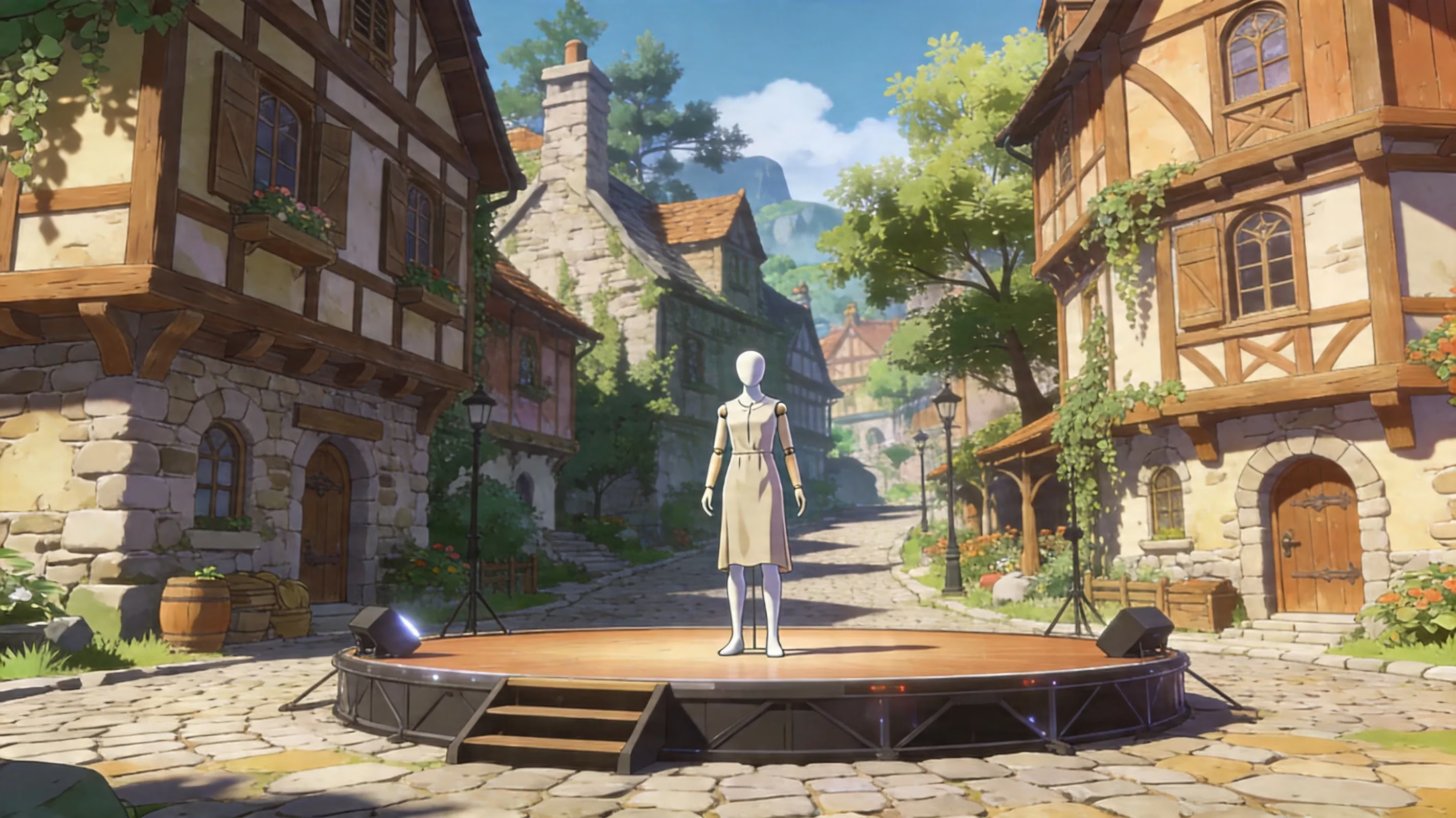
Best Practices for Better NPC Illusion in Miliastra Wonderland
Scope Management and Iterative Testing
This is probably the biggest piece of advice for anyone trying to build NPCs in Miliastra: keep the scope way smaller than your first idea.
A lot of creators picture a giant multi-act story with a whole town full of characters, layered questlines, and branching world states. It sounds amazing. In practice, most of those projects collapse because the scripting load gets out of hand, performance starts slipping, and debugging turns into a nightmare.
A much better approach is to start with one NPC substitute doing one clear job.
For example:
-
A greeter who explains the stage rules
-
A vendor who exchanges stage currency
-
A trainer who spawns enemies
-
A lore NPC who unlocks a text entry
Get that one interaction working cleanly first. Then expand.
Testing after every major node addition is also huge. Seriously—don’t wait until the whole system is built. Test after each branch, each trigger, each variable change. It saves an absurd amount of time because when something breaks, you already know roughly where it happened.
And if possible, have someone else test it. Fresh eyes catch problems fast, especially usability issues that the creator has already mentally edited out.
Logger Usage and Debug Workflow
The built-in logger is one of the best tools in Miliastra Wonderland, and a lot of creators still barely use it. That’s a mistake.
If your NPC doesn’t trigger correctly, moves to the wrong place, loops the wrong dialogue, or fails a condition check, the logger can tell you exactly which node fired and in what order. Without it, you’re basically guessing.
A good debug setup usually includes logger outputs at:
-
Proximity trigger activation
-
Variable changes
-
Branch decisions
-
Dialogue completion events
-
Patrol state changes
-
Reset/failsafe conditions
Also, name your logger outputs properly. Don’t leave them as "Log1" or "TestNode." Use labels that make sense, like NPC_Merchant_Greeting_Triggered or QuestFlag_Stage2_Complete_Check. If you ever revisit the project later—or work with someone else—you’ll thank yourself.
The logger is also useful as a learning tool. If you can inspect successful stages in the editor, watching their logger behavior during play-tests can teach you a lot about how experienced creators structure their logic.
Designing Around Player Griefing
If your stage has multiplayer, assume some players will try to break it on purpose. That’s just reality.
People will spam interaction prompts, stand in trigger zones, try to body-block paths, abuse collision, or look for ways to shove important actors out of place. If your NPC setup only works when everyone behaves perfectly, it’s going to fall apart fast.
A few anti-griefing habits go a long way:
-
Add cooldowns to dialogue triggers
-
Reset NPC position if moved out of bounds
-
Use failsafe respawn logic for quest-critical actors
-
Disable combat targeting on non-hostile NPCs
-
Protect important areas with safe collision design
If an NPC is essential to progression, it should never be easy for players to trap, destroy, or permanently displace it. PvP-style stages need even more protection, especially around spawn points and objective hubs.
You won’t stop every bad-faith interaction. What you can do is make sure one troll can’t ruin the whole stage for everyone else.
Conclusion: The Realistic State of NPCs in Miliastra Wonderland
Figuring out how to make npcs in miliastra wonderland maker genshin impact really comes down to understanding what Miliastra can and can’t do. It does not support traditional NPC creation the way a full AAA editor might. You’re not placing ready-made story characters with built-in quest logic. Instead, you’re creating the illusion of NPCs through Manekin customization, complex creation scripting, and smart prop placement.
That may sound limiting at first, but it’s also where a lot of the creativity comes from. The best 2026 workflow is pretty straightforward: use Manekins for simple greeters and static interaction points, move into complex creations when you need patrols or more advanced behavior, and save prop-based tricks for background storytelling and visual staging.
If you're just getting started, keep it simple:
-
Finish the official tutorials
-
Pass the Creator Portal quiz to unlock text tools
-
Build one Manekin-based NPC with proximity dialogue
-
Test it thoroughly
-
Expand only after that first setup feels solid
That path is way more realistic than trying to build an entire city full of fake NPCs on day one. Miliastra definitely has hard limits, no question. But if you work with those limits instead of fighting them, you can still build stages that feel lively, readable, and surprisingly immersive.
Comments